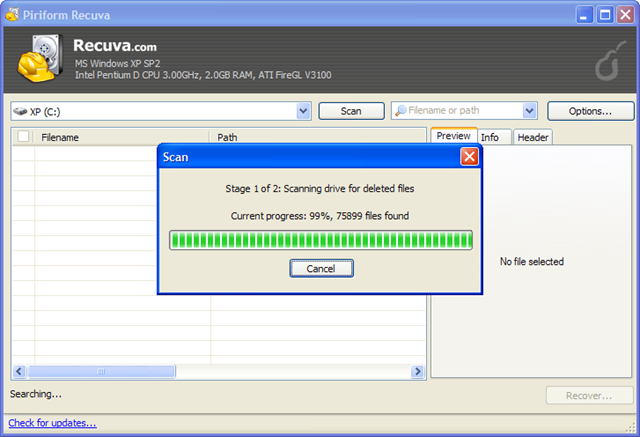
File Recovery tools are flooding the software market these days and it takes more than to provide a way to recover files to stick out of the masses. Undelete My Files offers several features that make it at least an interesting application to try. The file recovery is obviously the dominating component of the software. Hard Disks can be scanned which usually does not take longer than a few seconds - depending on the size of the hard drive - and the results are displayed afterward. One interesting aspect of this procedure is that multiple hard disks can be selected at once. Most other tools scan hard disks on a per disk basis only.
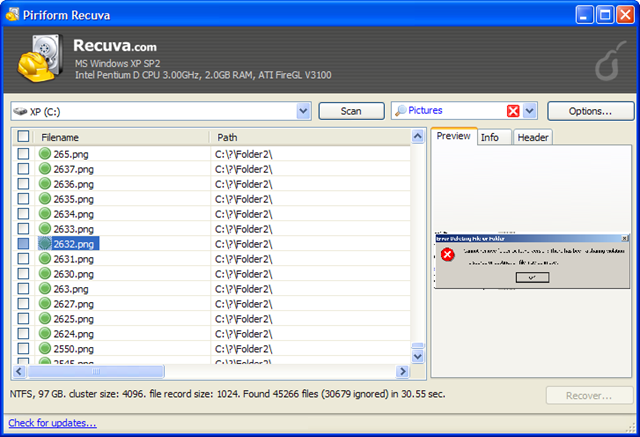
Another interesting aspect of that scan for deleted files is the option to preview items before they are recovered. Every file can be marked and a click on the preview button opens the file in the default viewer. It becomes pretty obvious if a file can be recovered, chances are slim if the default viewer cannot open it. If the file displays fine on the other hand chances are good that it can be recovered without difficulties.
Undelete My Files provides access to two specialized recovery operations: Media and Mail Recovery. Both target specific files and try to recover them. The advantage of using Media Recovery is that it specifically targets multimedia files offering a preview pane for quick file previews.
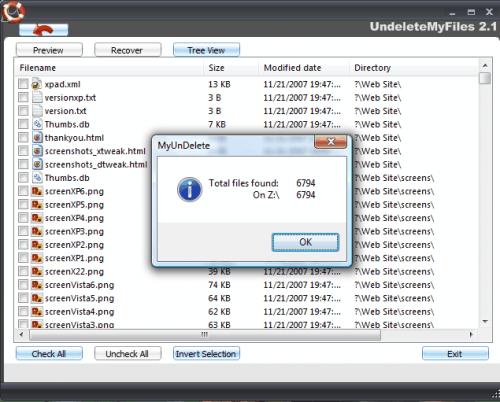
Mail Rescue tries to recover Microsoft Outlook Express, MS Outlook, Eudora and Netscape mails. The software automatically tries to locate the installation folders and proposes a system scan if none can be found.
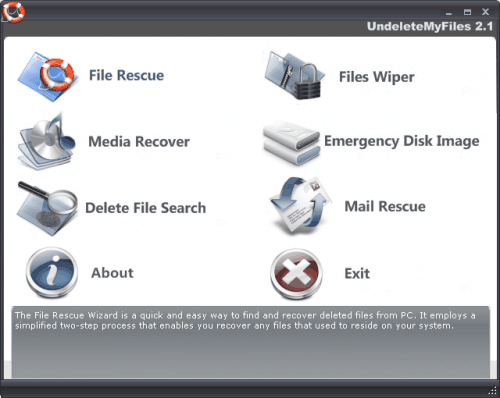
Another function provided by Undelete My Files is the Advanced File Search. That's a nice function if you know what you are looking for. You can pinpoint the tool to search specific folders, look for certain names and file types, sizes and attributes. Pretty convenient if you want to recover specific files.
The last two functions are not related to file recovery. The first is a disk wiper that deleted existing files on the disk securely so that they cannot be recovered by normal means. The other the creation of a Emergency Disk Image which creates a snapshot of a disk to work with later on. That's actually a great idea to prevent that deleted files are overwritten by new files and the same way professionals are handling this issue.




 USB Write Enabled